
Easily create your own keyboard shortcuts Keyboard shortcuts are probably one of the most useful time-saving things you can learn on a computer. Not only do they simplify your workflow, but they save time and can see you make substantial increases in productivity. Keyboard Maestro is a great tool for anyone new to creating keyboard shortcuts because it allows you to configure keys for just about any action.
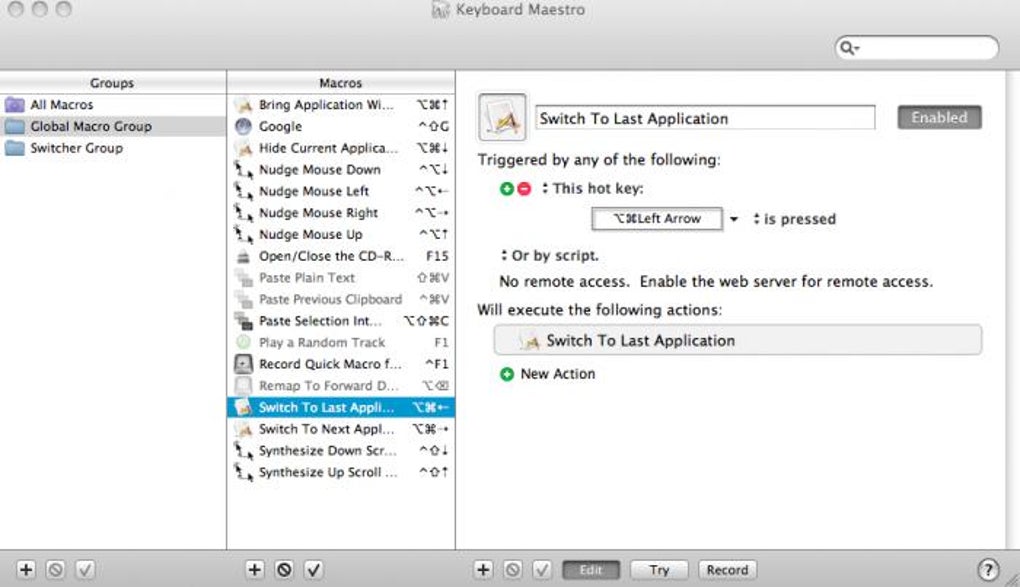
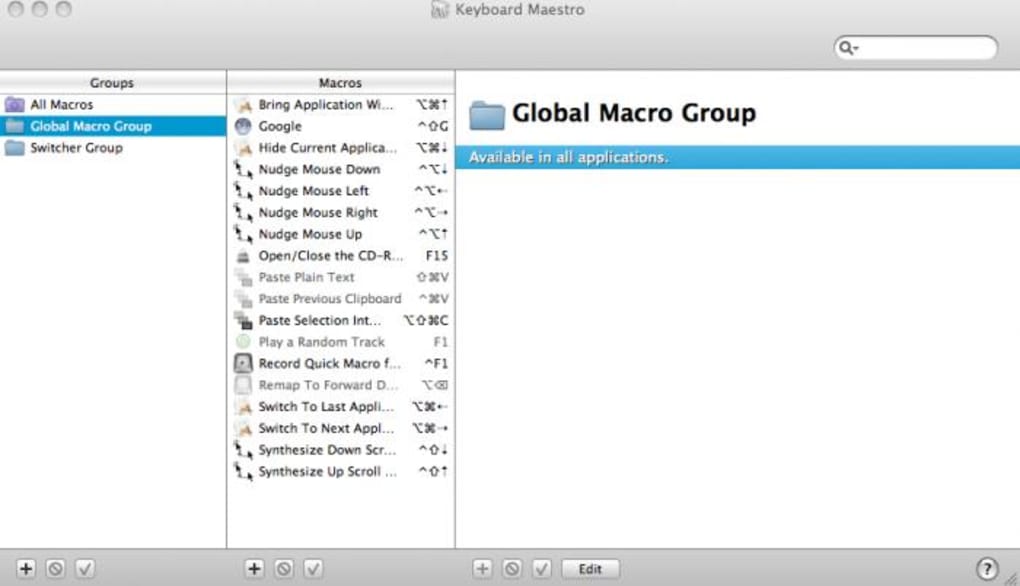
Keyboard Maestro creates what are known as 'macros' to trigger actions based on keyboard actions. You may also like 3.8 Free BetterTouchTool Customize your trackpad gestures 2.3 Trial version Keyboard And Mouse Recorder Record keyboard and mouse clicks 4.6 Free Scroll Reverser Get iOS scrolling on your Mac When you start the app, you'll see that many actions have already been configured for you, such as nudging the mouse cursor in a certain direction or switching to your previous application. However, creating your very own keyboard shortcuts is also fairly easy.
Just click the '+' symbol to add a new one and click 'Record' at the bottom of the interface to get going. Keyboard Maestro will then record your actions to associate with the particular key or key combination you have configured. More recently, the developer has added full support for Snow Leopard and a handy little web server, which even allows you to access keyboard shortcuts on your Mac using your iPhone.
There's very little to fault with Keyboard Maestro. It offers a simple enough solution for the uninitiated in keyboard macros but at the same time, enough advanced creation power to keep power users happy. Changes Requires Mac OS X 10.6 and Intel CPU.
Control Flow - Pause Until, If/Then/Else, While, Until and Repeat with extensive conditional tests. Variables - permanently stored and accessible in a variety of ways. Calculations - based on variables or a variety of functions.
Macro Library built in with ready-to-use macros. Undo/Redo - finally! Enhanced Application Switcher with Cover Flow, Force Quit, Get Info and Reveal.
Enhanced Window Switcher with Cover Flow of Applications and window depth sorting. Enhanced Clipboard History with Favorites, Quick Look and Send clipboard to another Mac. Application Launcher.







